Help · Orders & fulfilment
Cancelling an order, and telling them why
Void a sale that will not happen, write the reason, and let the customer hear it from you.
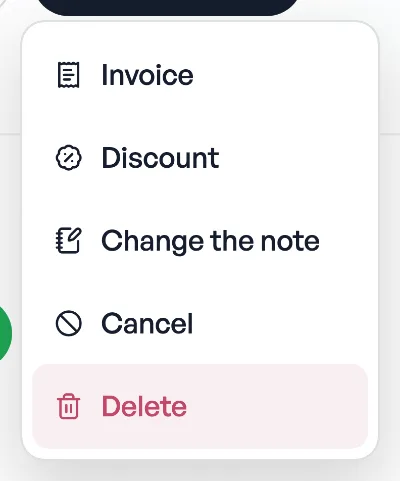
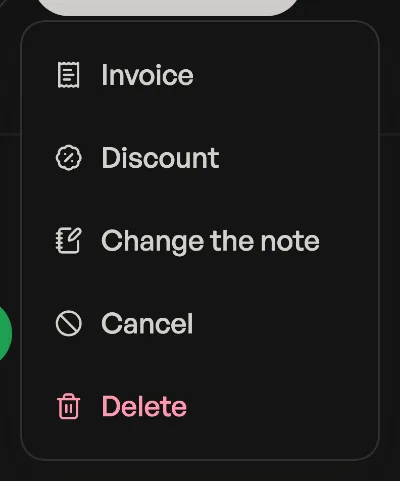
Press Cancel on an order and Pasal asks first, then does three things: stops it counting as a sale, emails the customer, and keeps the row in your history marked Cancelled. You never lose the record of what happened.
Write the reason
The question has a box for it. Whatever you type goes into the customer's email, under the heading, in your shop's name. This is the whole point of the message for the person reading it: "sorry, we ran out of milk today" or "the event has been called off because of the weather, we will refund you today" answers the question they were about to ask you.
Leave it empty and the email still goes, just without a reason. Nothing breaks; they are simply told it was cancelled and invited to reply.
Tickets are different
Cancelling a ticket order kills every ticket on it. The buyer's email says Your tickets have been cancelled rather than talking about an order, and tells them plainly that the tickets no longer work at the door. The seats go back into your capacity for somebody else to buy.
What it costs you
- The money leaves your takings, your analytics and your CSV export.
- The row stays in Bills, marked Cancelled, so the month still reconciles.
- Cancel is only offered while an order is still Received. Void a bad sale before you mark it paid.
Cancel or delete? Cancel is the honest record of a real order that fell through, and it tells the customer. Delete is for an order that was never real, usually one you made yourself while testing, and it tells nobody. See Deleting the orders you made testing. Once an order has a tax invoice number on it, cancelling or refunding is the only way out: it can no longer be deleted at all.
No email address on the order? The question says so, so you know to pick up the phone instead.
- Deleting the orders you made testingClear the practice orders out of your takings without touching a real sale.
- Managing orders on your boardMove tickets through fulfilment, collect payment, and keep the board tidy.
- Tax invoice numbersFill in your PAN and every paid order gets a numbered tax invoice, counting up from 1 each Shrawan.