Help · Running the shop
Know your customers: history and points
Search anyone who has ordered, open every past invoice, and see the points they have built.
Every order quietly builds your customer book. The Customers tab lists everyone who has ever ordered, keyed by the phone number they left at checkout.
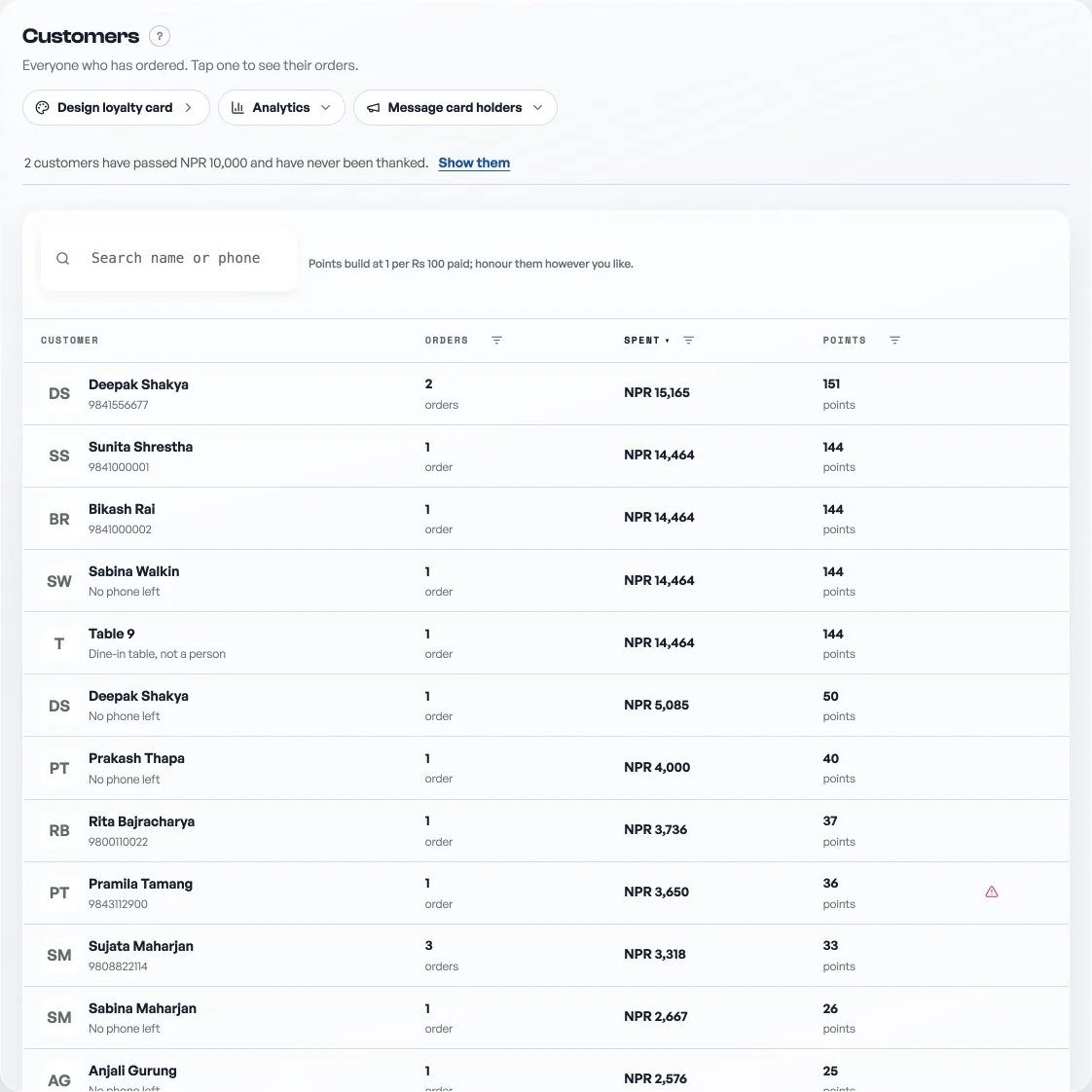
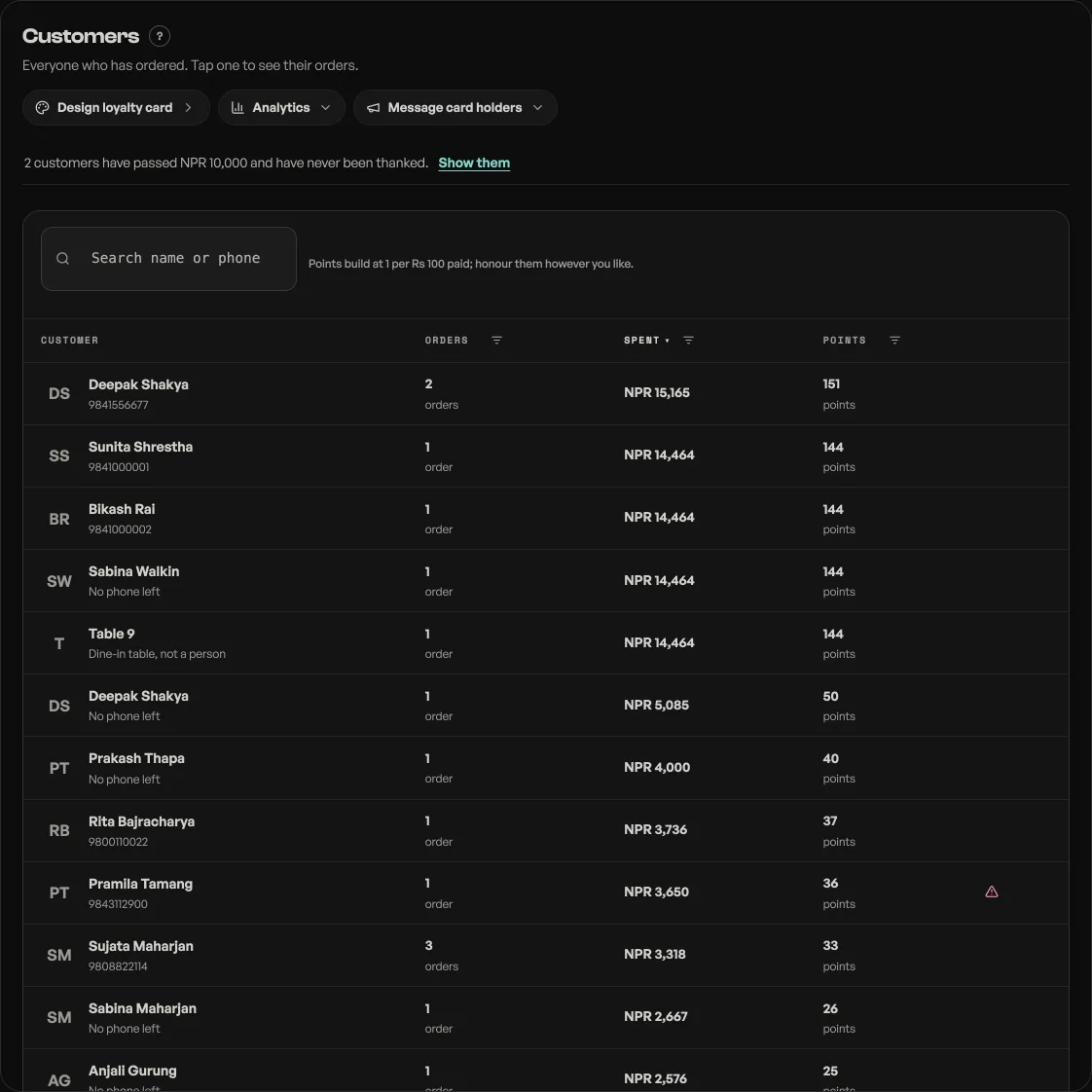
- Search by name or phone. The search reaches your whole history, not just recent orders, so a customer from months ago is one search away.
- Tap a customer to see every order they have placed, newest first. When loyalty is on, their pass sits above the list.
- Open any past invoice. Each order in their history has a ⋮ button at the end of its row, and Invoice is the first thing in the menu it opens: the full itemised bill, ready to reprint or show at the counter.
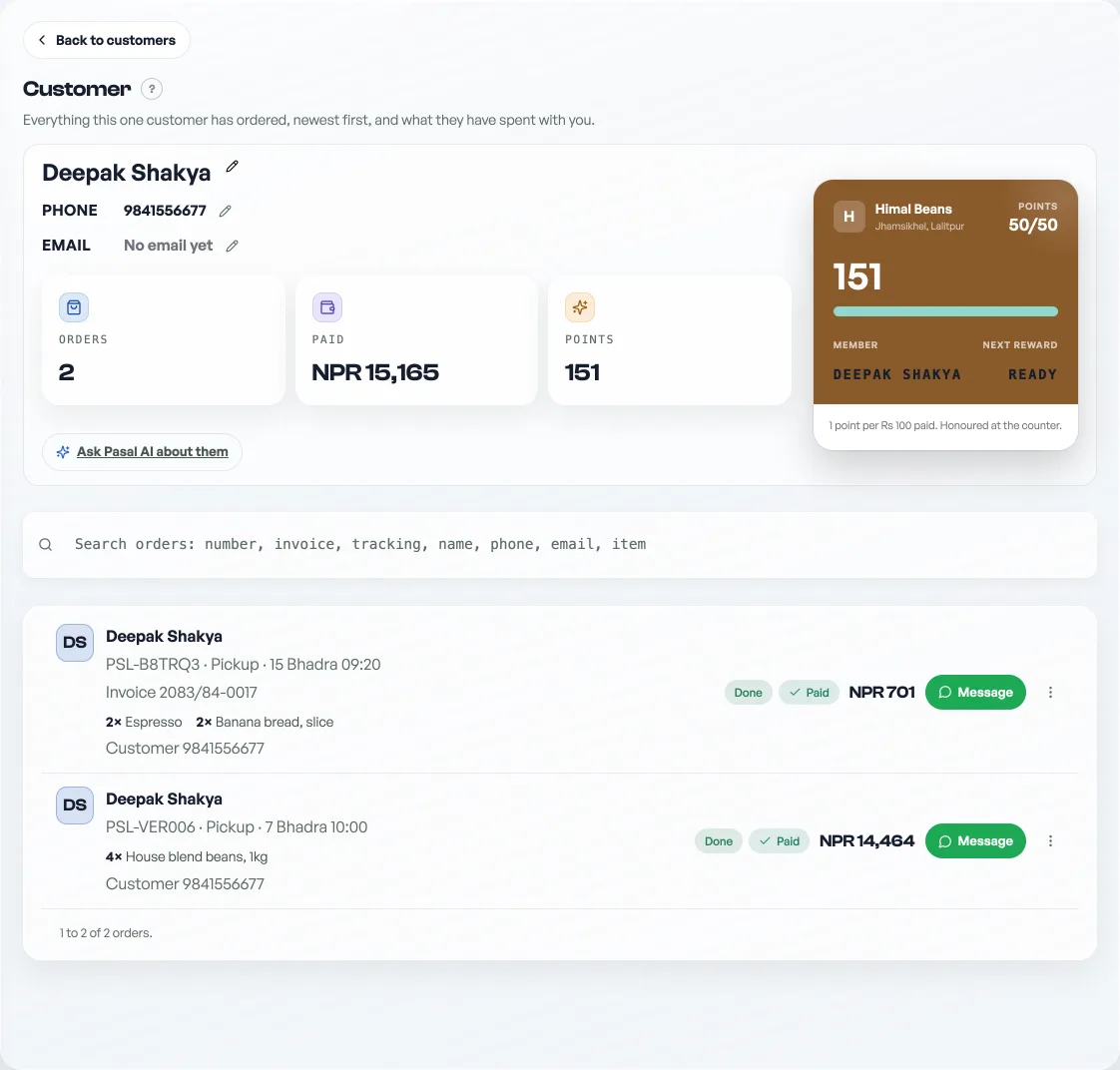
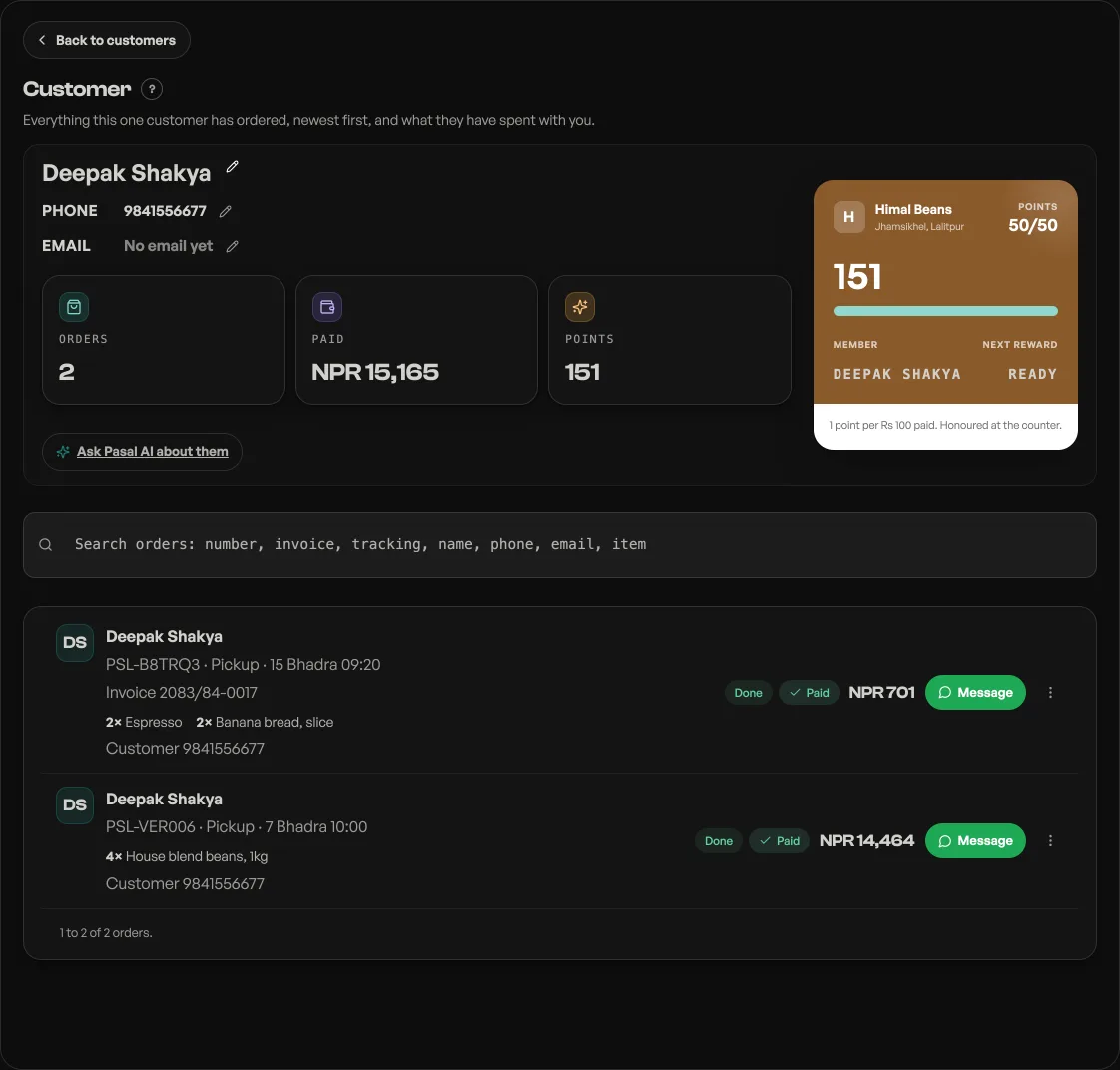
Points build at 1 per Rs 100 paid, counted from real orders, then plus or minus anything you have given or redeemed with Adjust. That total is the one the counter shows too. How you honour them is yours: a free chiya at 20, a discount at 50. Points do not travel between shops: one Pasal login opens a customer's page at every shop, but the balance they have with you is yours, see customer loyalty.
Correcting a name or an email
On a customer's page, the name and the email each carry a pencil. Changing the name corrects it on every order of theirs, which is what stops the book showing one person twice: Ram Dai and RAM DAI stop being two customers with half the spend each.
The email is what puts their receipts in their own Pasal account, so they can open past orders themselves without asking you. Leave it blank if they have not got one. Check it back before you save: a well formed address with one letter wrong belongs to somebody, and their receipts would go there.
Moving somebody to a new number
A phone number is not just a field on this page. It is how the shop knows this person, so changing it is a move and Pasal calls it that: Move to a new number. Their orders and their points go with it, and the page tells you how many orders moved.
Two things it will refuse, on purpose. If somebody else already uses that number it stops and names them, because joining two customers into one is not something it could undo. And if the customer has no phone at all, their name is how the shop knows them, so it asks you to give them a number before you change the name.
If you are not sure the new number is right, leave the old one alone. A wrong move is not an error message, it is a regular whose points have quietly gone somewhere else.
- Reward regulars with loyalty pointsRegulars earn a point per Rs 100 they spend. Redeem them, give them, and see what you gave.
- Where customer replies landChoose the address a customer reaches when they reply to your order or booking email.
- Deleting things, and what each one destroysProducts, events, ticket types, promo codes and staff: what goes, what survives, and the safer option.