Help · Your shop online
See which channel your customers come from
Tagged links so Visitors & sales can tell Instagram, TikTok and Facebook apart.
Instagram, TikTok and Facebook open links in their own in-app browsers, and those send no referrer at all. So every visit from them used to land in one "direct" heap and you could not tell what your posting was worth. Tagged links fix that.
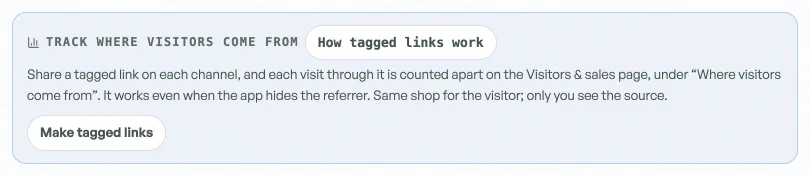
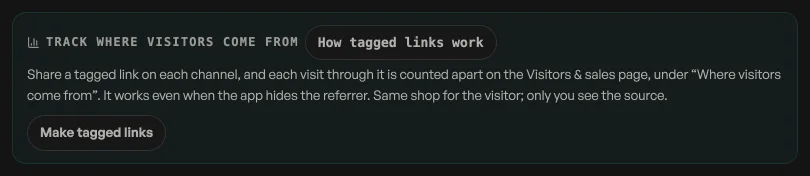
- Open Link & QR, under More on the rail, and press Make tagged links.
- Copy the link for the channel you are posting to and use that one in your bio or post.
- Need another? Type it in the box at the bottom, for a poster or a newsletter.
Nothing changes for the visitor; they land on the same shop. Only you see the source, under Visitors & sales, Where visitors come from.
Read next
- Make the shop look like yoursTemplate, colours, logo, hero photo, and the order of the page, all from the Design tab.
- Write your shop policyReturns, delivery rules and terms, shown on your site without sending customers anywhere else.
- Add Instagram and social linksPut your Instagram, TikTok or other profiles in your storefront footer.
Still stuck? Message usTell us what is happening and we will reply, usually the same day.
WhatsApp usOr email support@pasal.studio