Help · Your shop online
Make the shop look like yours
Template, colours, logo, hero photo, and the order of the page, all from the Design tab.
Your shop should look like your shop, not a template. Everything visual lives on the Design tab: it takes over the whole screen, with your live shop in the middle and a rail down the left. Every change lands on your live shop as you make it, and Back to Dashboard at the foot of the rail brings you home.
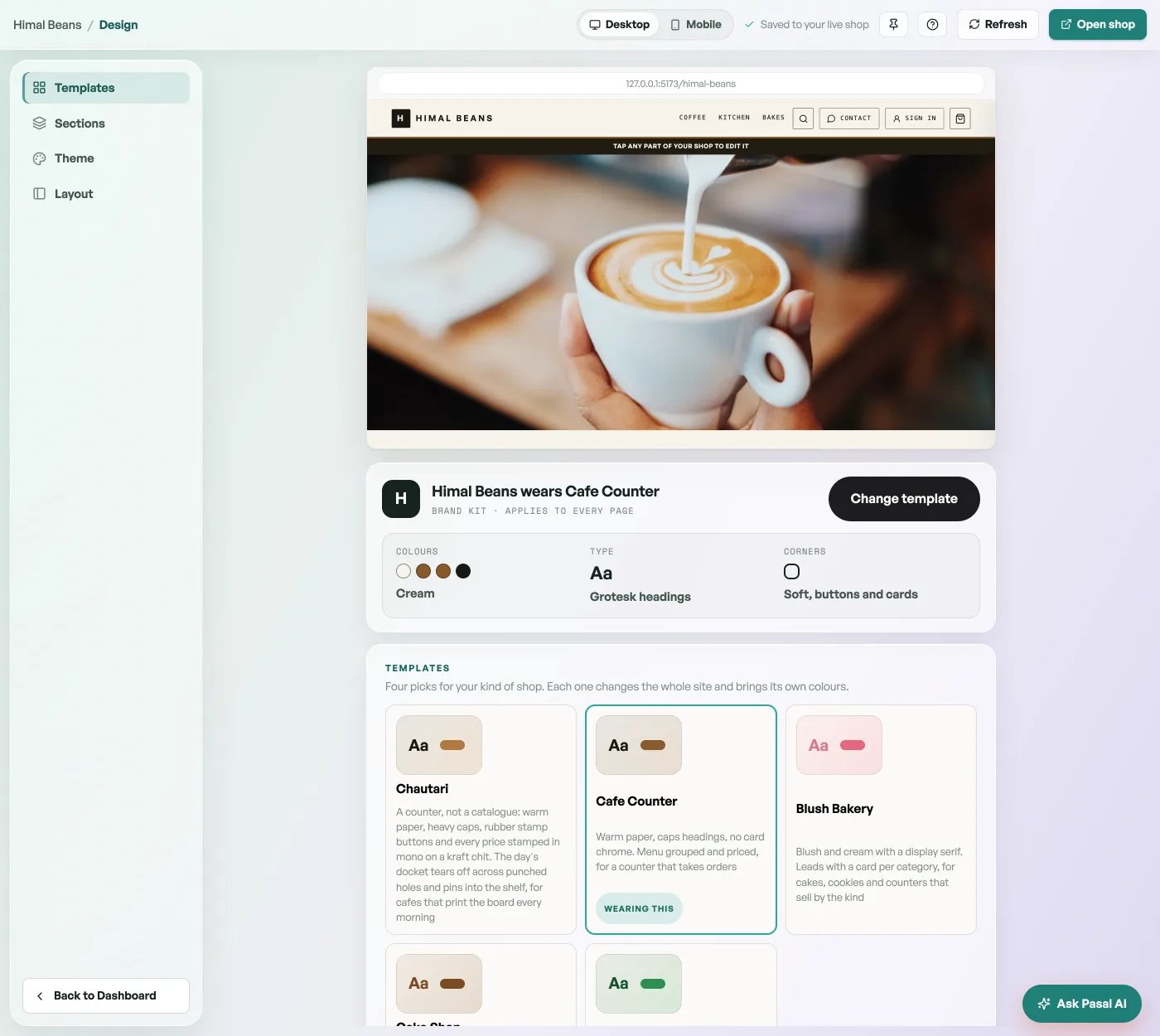
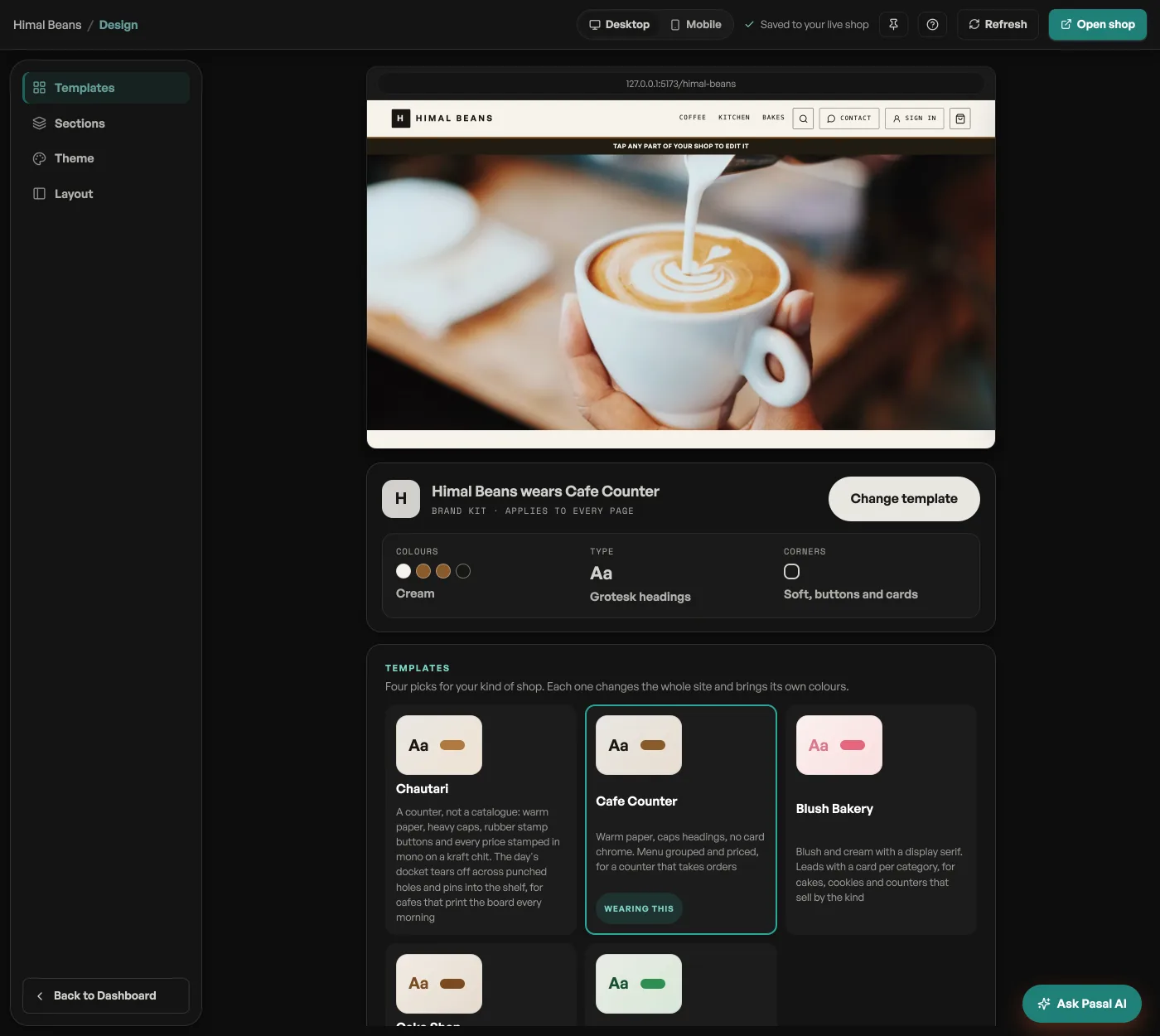
- Templates and Theme: pick a template, then one of its colourways, and upload a logo so the shop, receipts, and link previews carry your brand.
- Sections: the Homepage structure list is your page top to bottom. The arrows reorder the blocks, the eye hides one, and tapping a block opens its settings beside your shop.
- Welcome words and promo cards: tap Welcome hero to write the greeting at the top of your shop and set its photo, and Promo cards to highlight a drop or an offer.
Your shop sits in the middle of the tab the whole time, so you see every change as you make it. Share your shop link once it looks right.
Read next
- Share your shop linkPut your catalog on Instagram, WhatsApp, a QR at the counter, or your own domain.
- Pick a template, keep your coloursSwap the whole look of your shop in one tap, and put your own colours back if the new ones are not yours.
- Write your shop policyReturns, delivery rules and terms, shown on your site without sending customers anywhere else.
Still stuck? Message usTell us what is happening and we will reply, usually the same day.
WhatsApp usOr email support@pasal.studio