Help · Money
Run a promo code
Create a discount code customers type at checkout.
Promo codes are a simple way to run an offer without changing every price.
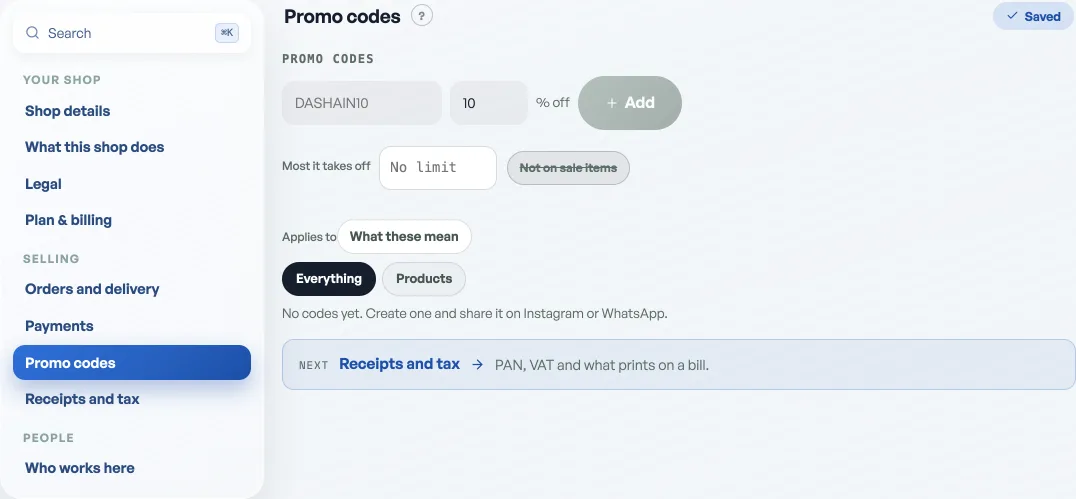
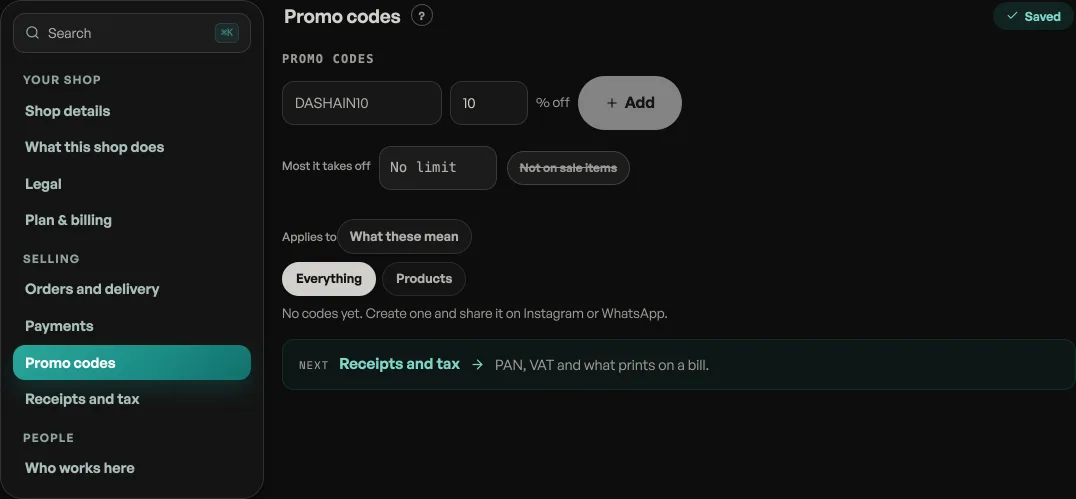
- Create a code: open Shop profile, then Promo codes. Type a code (like DASHAIN10), a percentage off, and press Add. It works immediately.
- Share it: post it on Instagram or WhatsApp. Customers type it at checkout and the total drops.
- Turn it off: switch a code off anytime and it stops working immediately.
Promo codes are a Pro tool. On the free plan you cannot make a new code, and codes you have already made keep working at checkout until you retire them. See What Pro costs and how to turn it on.
Read next
- Give a discount at the counterAgree a price out loud and put it on the bill: one line, the whole bill, or an online order.
- What Pro costs and how to turn it onThe price of Pro by the month and the year, what it adds, what stays free forever, and how to pay for it today.
- Point a promo code at one event or a few productsNarrow a code to your tickets, your goods, or a named handful of either.
Still stuck? Message usTell us what is happening and we will reply, usually the same day.
WhatsApp usOr email support@pasal.studio