Help · Money
Write down what your shop paid out
One errand: type a cost, and see where the money went. Wages and goods sit beside the total and are never added into it.
Paid out is on the rail behind More, under Money. It does one job: you write down a cost, and it shows you where the money went. Nothing on the page is a form you have to finish before it is useful.
Writing a cost down
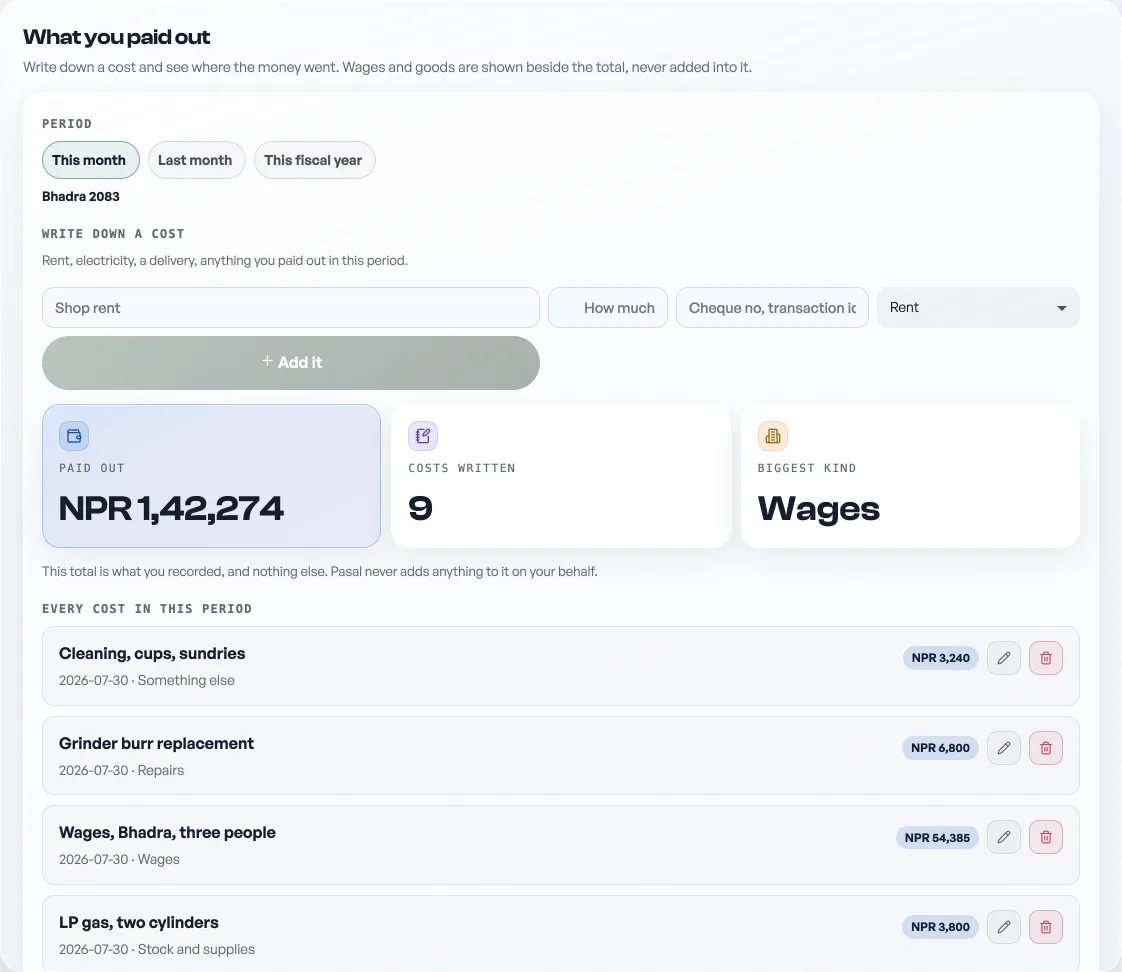
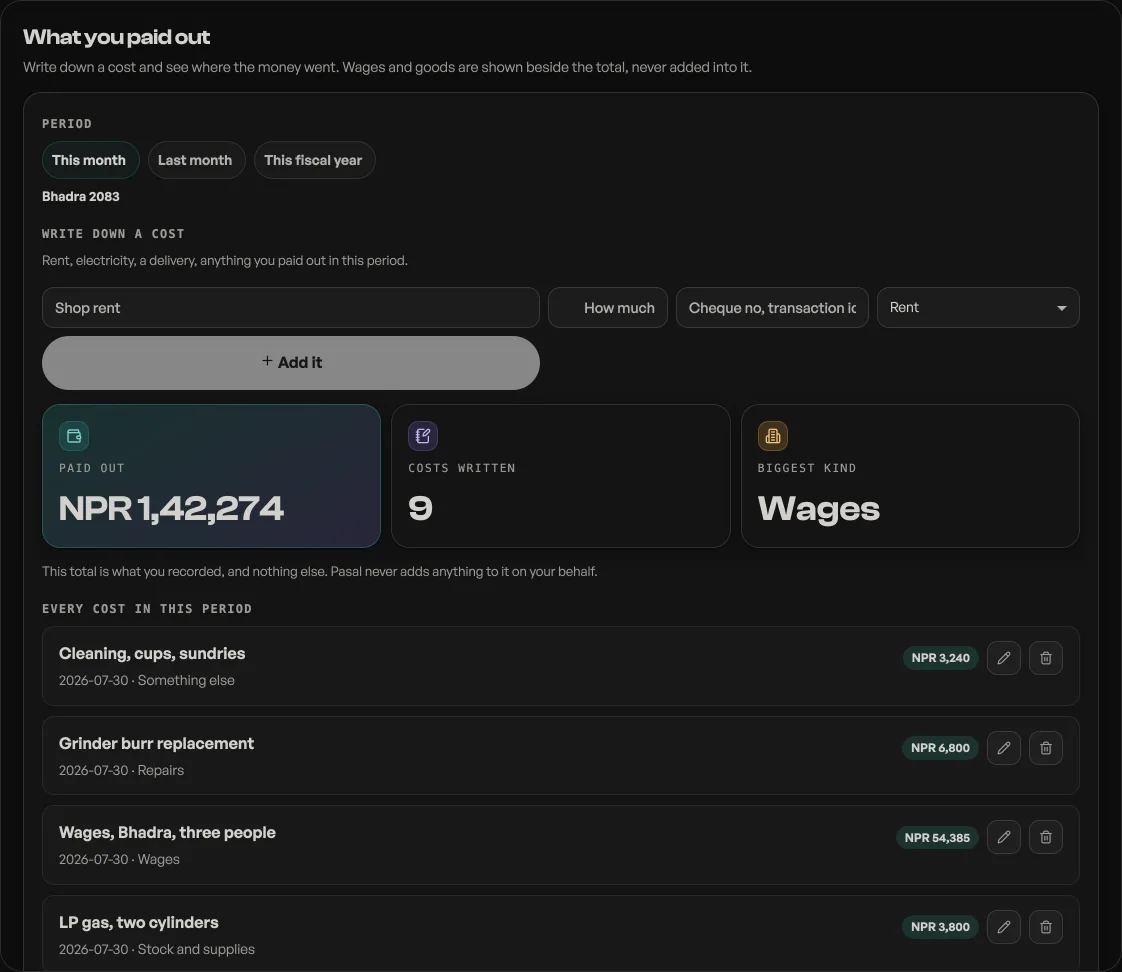
Pick the period at the top, This month, Last month or This fiscal year. Then type what it was for and how much, and press Add it. Rent, electricity, a delivery, anything you paid out in that period.
You never meet the word "book" here, and that is deliberate: a shopkeeper writing down this month's rent should not have to decide their rent is a job. If the period has no book behind it yet, Pasal opens one named after the period and puts the line in it. If one is already open, the line joins that.
Kind files the cost: rent, electricity water and internet, stock and supplies, wages, transport, repairs, fees and licences, or something else. It is a fixed list rather than a box, so a month of costs groups the same way every month.
Where it went
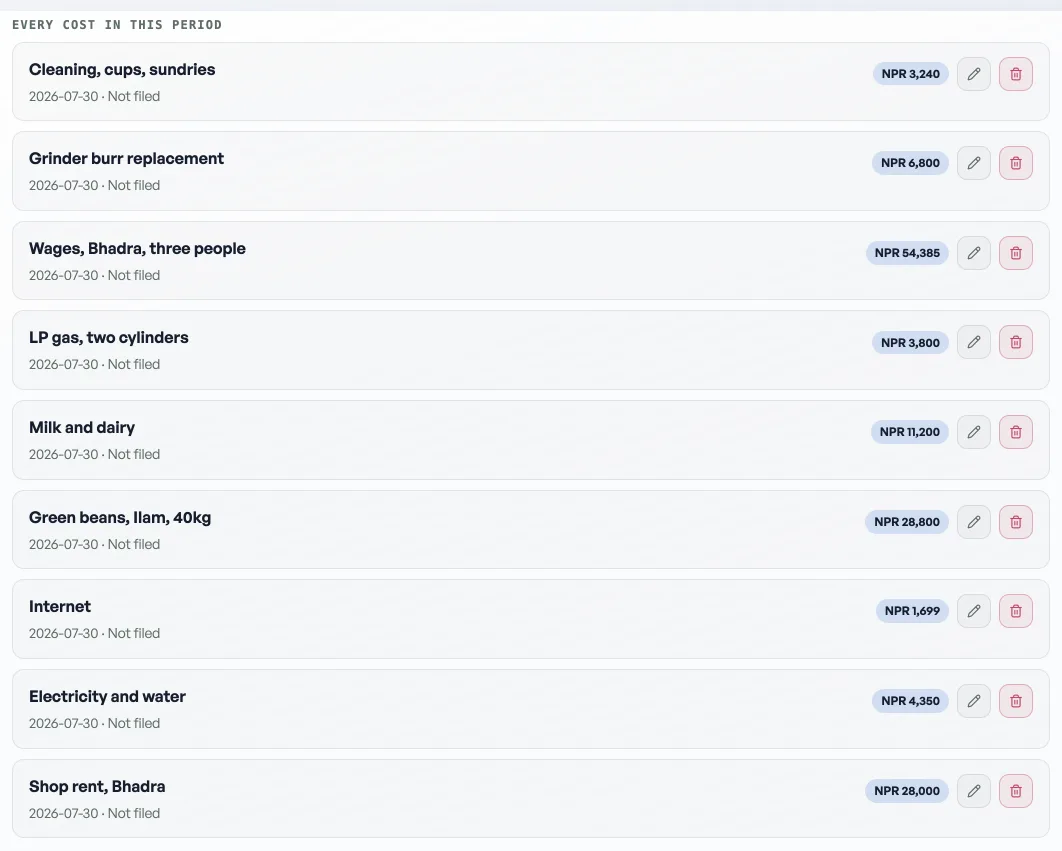
Under the total, Where it went groups what you recorded. Costs written before Pasal started asking what kind they were sit under Not filed, and nothing is guessed about them.
The total is yours and only yours
The figure on this page is what you recorded, and nothing else. Pasal never adds anything to it on your behalf.
That is why Wages and Cost of goods appear in their own rows underneath, beside the total rather than inside it. Pasal knows what your payslips came to and what the goods behind this period's sales cost you, but it cannot tell whether you already typed those into a line by hand. A line reading "Extra stock for the week" is the cost of goods, written in your own words, and no rule can separate it from a delivery charge. Adding both would report a month as far more expensive than it was.
So the decision stays with you. Press Record it on either row and it becomes a real line in the total, where you can see it, once. The row then says Recorded by Pasal, and if you also typed one by hand, both are in the total and the page says so.
Job books are still their own screen
Costing one job end to end, with what it earned as well as what it cost, is a different question and still lives on Costs & profit. The link at the foot of this page goes there. See Work out what a job kept.
Opening a new period's book needs Pro, so on the free plan you can keep writing into a book that is already open and cannot start a fresh one. A staff member reaches this tab through the Costs & profit (job book) tick under Shop profile, Who works here, which is the same permission that opens the job books themselves.
What you record here is read back, and never changed, by the pack you hand your accountant.
Correcting a cost you already wrote
Every cost in the list carries a pencil and a bin. Press the pencil and the form at the top fills with that cost, the button changes to Save the correction, and a Cancel appears beside it. Change the words or the amount and save.
It edits the cost rather than writing a second one. That matters: a shopkeeper who fixes NPR 5,000 to NPR 500 by adding the right figure again leaves NPR 5,500 in the month, and the books quietly stop agreeing with the drawer.
Removing one
The bin asks first, in place: a tick to remove it and a cross to keep it. Removing is not undoable, so use it for a cost that never happened. A cost that happened and was wrong should be corrected instead, because the month still needs to know about it.
Saying how it was paid
Beside the amount there is a box for the reference: a cheque number, an eSewa or bank transaction id, or just the word cash. It is free text on purpose, because the ways a shop pays a supplier do not fit a tidy list. It shows on the cost's own line and travels into the accountant's pack.
If you do not see that box, this shop is on a version of Pasal that does not have it yet. Nothing is lost; the cost records exactly as before.
What is not filed
A cost written before Pasal asked what kind it was has no kind, and shows as Not filed. That is a fact rather than a job: the kind is chosen when a cost is written, so old ones stay unfiled and nothing is guessed about them. New costs you write today can carry one.
- Work out what a job keptOpen a book for one job and it answers what came in, what it cost, and what stayed with you.
- The pack to hand your accountantSales, spending and wages for a period, on four panes, each with a download. It reads and exports, and writes nothing.
- Track cost price and profitGive each product a cost and every money surface reports profit, not just takings.